
Pay stub maker for iPhone
Paystub generator app for iPhone
Fill in the company, the worker and the pay period, add earnings and deductions, and get a clean earnings statement as a PDF. Next payday, duplicate it and change what changed.
- Hours × rate, commission and other earnings, with current and year-to-date columns
- Federal and state tax, Medicare, 401(k) and employer contributions
- PDF, image, print, email, text or QR straight from the phone
Everything a pay stub needs, made on your phone
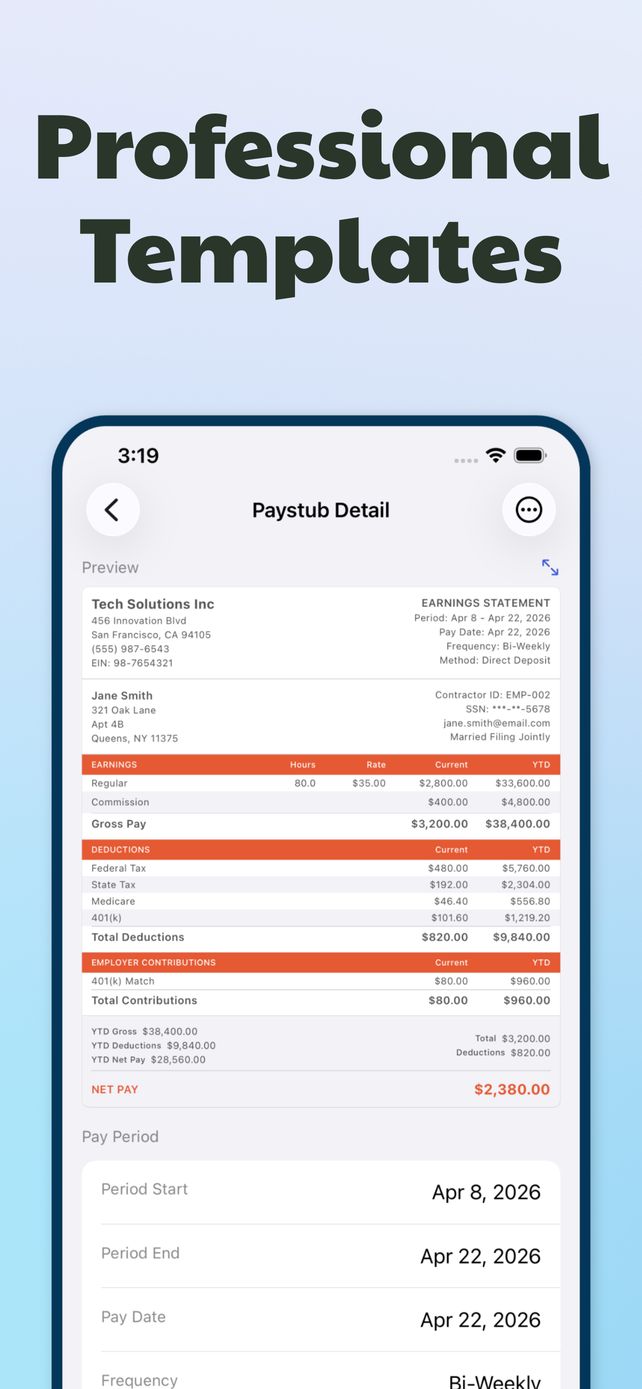
A full earnings statement
Company name, address and EIN at the top, the worker's details and filing status below, then earnings, deductions, employer contributions and net pay. Weekly, bi-weekly or monthly periods.
Next stub in seconds
Duplicate last period's stub and the company, worker and pay lines come with it. Change the dates and the hours, check the YTD totals, done.
Send it the way they ask
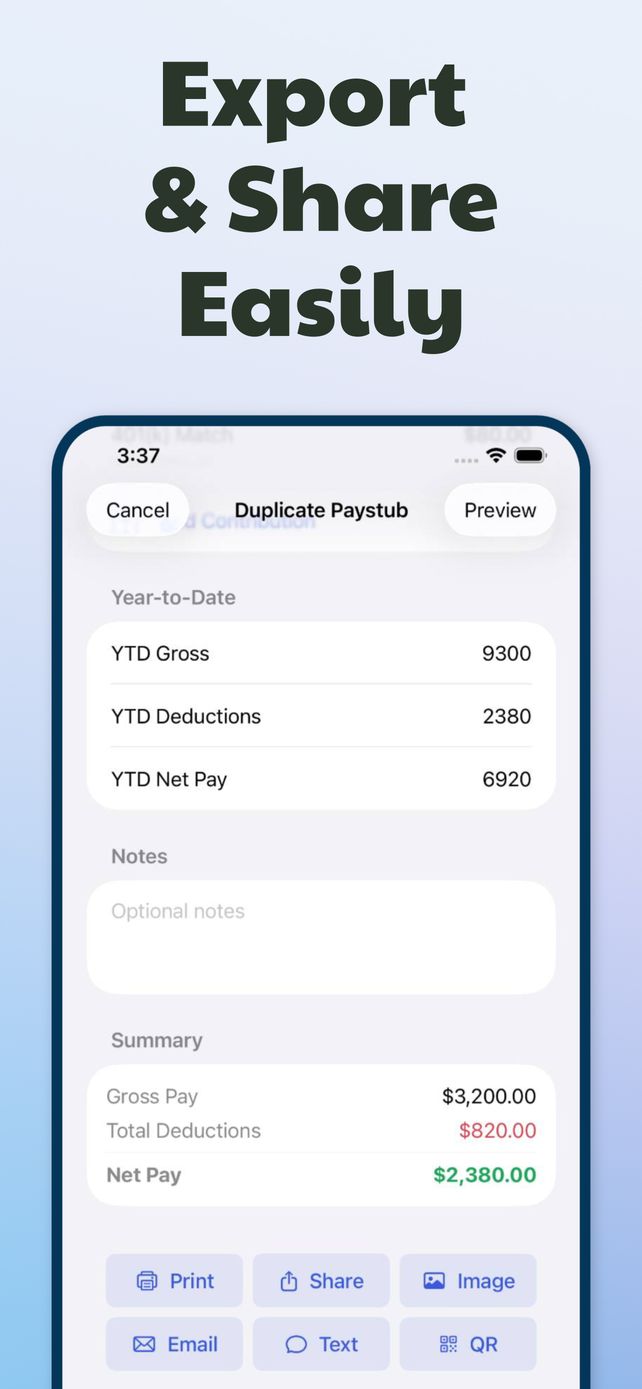
Landlord wants a PDF by email? Bookkeeper wants it printed? Export as a PDF or an image, print it, text it, email it or show a QR code.
History and insights
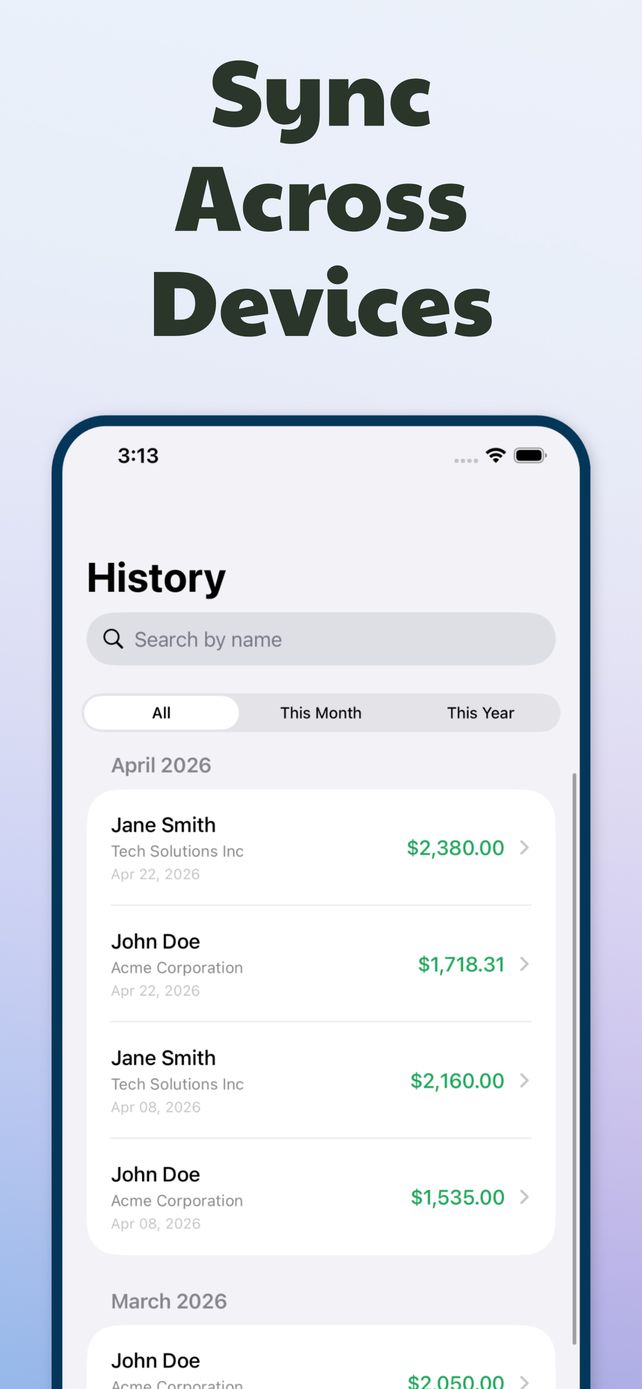
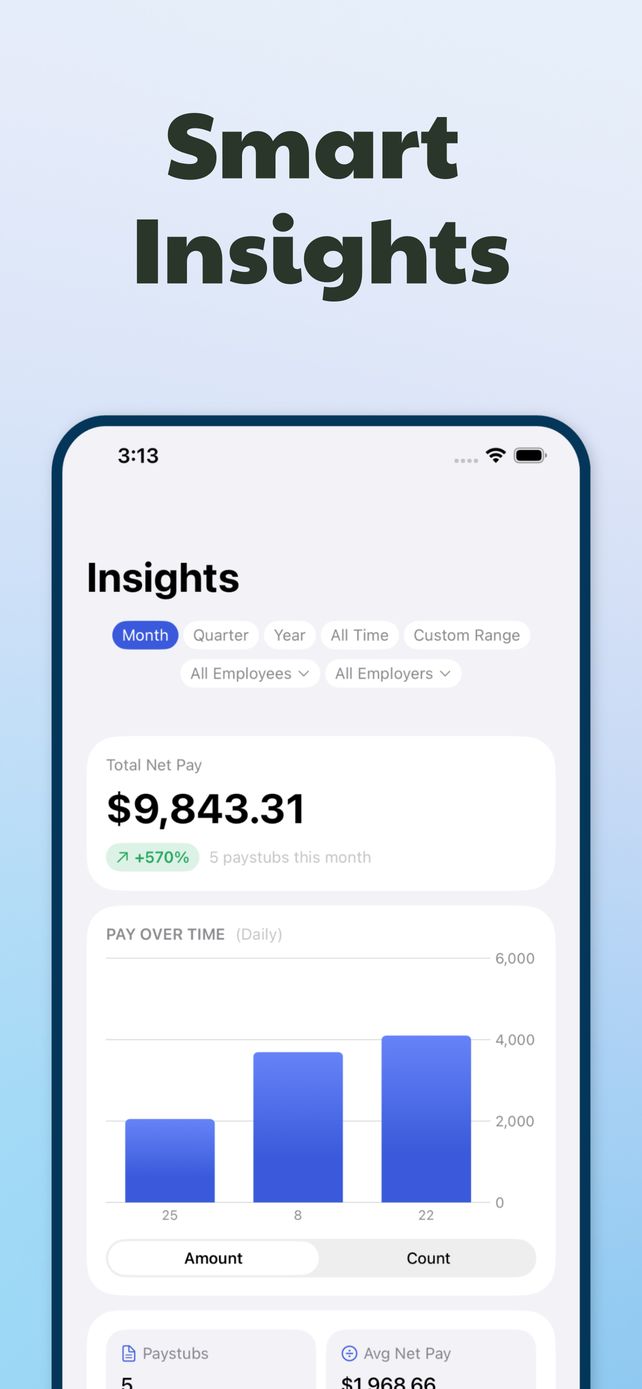
Every stub is saved by month and searchable by name. Insights add up net pay by month, quarter, year or a custom range, per employee or employer.
See the paystub generator app
How to make a pay stub in four steps
Add the company
Business name, address, phone and EIN. Saved for the next stub.
Add the worker
Name, address, employee or contractor ID, last four of the SSN, filing status.
Enter pay and deductions
Hours and rate or a flat amount, then taxes, Medicare, 401(k) and anything else withheld.
Preview and share
Check the totals and YTD, then export the PDF or send it by email, text or QR.
Pay stub guides
 How to make a pay stub on iPhoneFour steps from blank form to a PDF you can email, text or print.
 How to make a pay stub if you're self-employedPayer, payee, owner's draw and tax set-asides, done so the numbers hold up.
 1099 independent contractor pay stub: what to includeContractors don't get stubs. Make one that matches your 1099s.
 How to make pay stubs for employeesRequired fields, the payroll math and record keeping for a small team.
 How to read a pay stubEvery section and abbreviation, walked through on a real example.
 How to calculate net pay from gross payFour subtractions, two worked examples, and where people slip.
 Bi-weekly vs semi-monthly pay stubs26 checks or 24, and what that does to every number on the stub.
 Proof of income for self-employed peopleWhich documents landlords and lenders accept, and how pay stubs fit in.
Pay stub questions
Can I make a pay stub on my iPhone?
Yes. Paystub Generator builds a full earnings statement on the phone: company and worker details, earnings, deductions, YTD totals and net pay. You can export it as a PDF or image, or send it by email, text or QR. Learn more →
How do I make a pay stub if I'm self-employed?
List your business as the payer and yourself as the payee, enter what you actually paid yourself for the period, and record what you set aside for taxes. The numbers should match your bank deposits and your tax return. Learn more →
Do 1099 contractors get pay stubs?
Not usually. Clients report contractor payments on Form 1099-NEC once a year, so many contractors make their own stub per payment or per month to show income and keep records. Learn more →
Do small businesses have to give employees pay stubs?
Federal law doesn't require pay stubs, but it does require payroll records, and most states require an itemized wage statement each payday. Check your state's labor department for the exact fields. Learn more →
What does YTD mean on a pay stub?
Year to date: the running total from January 1 through the current pay date. Every earnings and deduction line can have its own YTD figure, and YTD gross minus YTD deductions equals YTD net pay. Learn more →
How do you calculate net pay from gross pay?
Start with gross pay, subtract pre-tax deductions like a traditional 401(k), subtract taxes (federal, state, Social Security, Medicare), then subtract after-tax deductions. What remains is net pay. Learn more →
What's the difference between bi-weekly and semi-monthly pay?
Bi-weekly means every other week, so 26 paychecks a year. Semi-monthly means twice a month on set dates, so 24 paychecks. The same salary gives a smaller bi-weekly check than a semi-monthly one. Learn more →
Is a self-made pay stub enough proof of income?
It helps, but landlords and lenders usually want it backed by bank statements, 1099s or a tax return. A stub with numbers that don't match those documents will hurt your application, and faking one is fraud. Learn more →
Is the app free?
Paystub Generator is free to download from the App Store and offers optional in-app purchases. Current pricing is shown in the app before you buy anything.