How to make pay stubs for employees

Making pay stubs for employees comes down to three jobs: calculate each person's gross pay for the period, subtract taxes and deductions to get net pay, and put it all on an itemized statement with the company, employee, dates, each earnings and deduction line, and year-to-date totals. Give one to each employee every payday and keep a copy.
Payroll services do this automatically. If you have a handful of people and run payroll yourself, a pay stub app covers the paperwork side. You still do the tax math or take it from your accountant.
Steps at a glance
- Calculate gross pay. Hours × rate plus overtime, or salary ÷ number of pay periods.
- Calculate withholding. Federal income tax from the W-4, Social Security 6.2%, Medicare 1.45%, state and local tax.
- Subtract other deductions. Retirement, health premiums, garnishments.
- Fill in the stub. Company, employee, period, pay date, earnings, deductions, YTD.
- Deliver and keep a copy. Give the stub to the employee and file a copy with your payroll records.
Are you required to give pay stubs?
Federal law doesn't require pay stubs, but the Fair Labor Standards Act requires you to keep accurate payroll records: hours, rates, gross pay, deductions and net pay. Most states go further and require an itemized wage statement on each payday, printed or electronic. A few states have no stub requirement at all.
The required fields vary by state, so check your state labor department's page before you settle on a format. In practice, a stub that shows everything listed below satisfies the typical state rule.
Fields every employee pay stub should have
Use the same layout for everyone, every period:
- Employer legal name, address and EIN
- Employee name, address, ID and last four digits of the SSN
- Pay period start and end dates, and the pay date
- Hours worked and rate for hourly staff, including overtime at 1.5×
- Gross pay, each tax withheld and each other deduction
- Net pay and year-to-date totals for each line
The payroll math for one employee
Take an hourly employee who worked 80 hours over two weeks at $22. Gross pay is $1,760. Social Security is 6.2% of that, $109.12, and Medicare 1.45%, $25.52. Federal income tax comes from IRS Publication 15-T using the employee's W-4; say it's $118. If your state taxes income, apply its withholding table too.
Add a 3% traditional 401(k) contribution ($52.80, which reduces income tax wages but not Social Security and Medicare wages) and net pay is $1,760 − 109.12 − 25.52 − 118 − 52.80 = $1,454.56, before state tax. Your share of Social Security and Medicare matches the employee's and goes on your payroll tax filings, not on their stub as a deduction.
Fill in and deliver the stubs
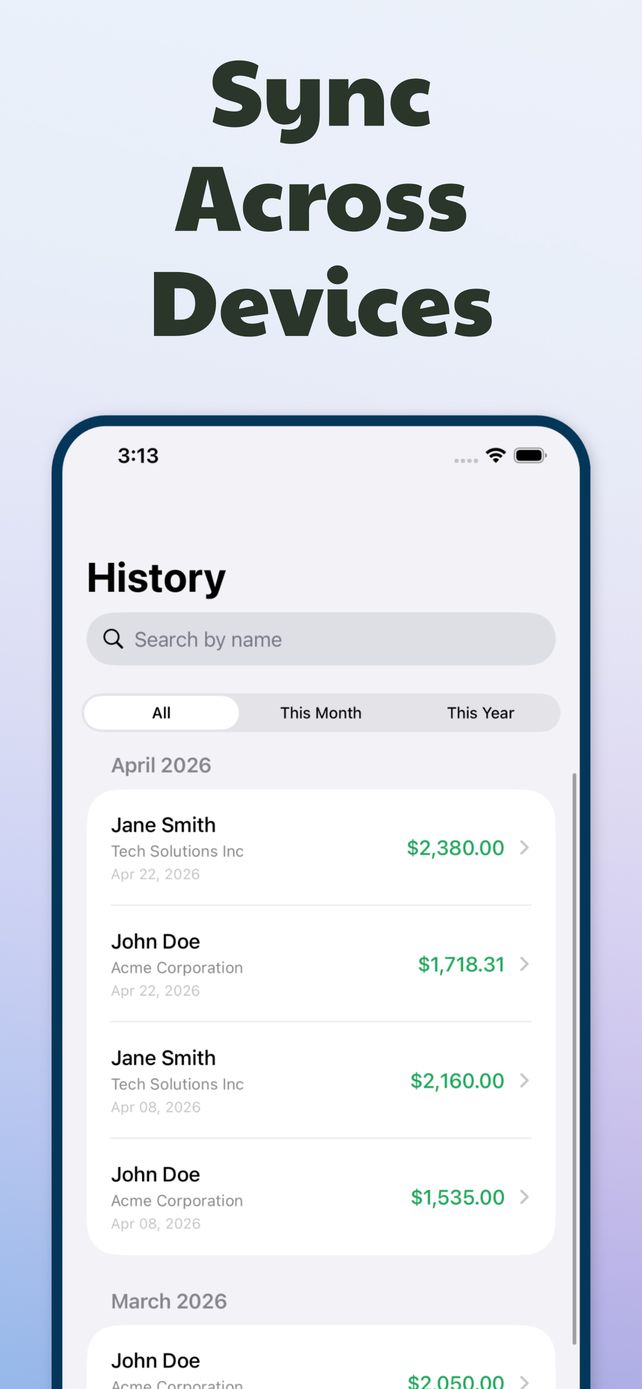
Create the first stub for each employee carefully, then duplicate it every payday and change the dates, hours and YTD. With several people, History keeps them sorted and Insights shows total net pay per employee or per employer for any range, which helps at quarter end.
Deliver the stub the way your state allows. Many states permit electronic stubs if the employee can view and print them; some require consent first. Email the PDF, print it, or share it from the phone.
Keep records and know when to switch
Keep payroll records for at least three years under the FLSA and four years for employment tax records under IRS rules. Saving every stub as a PDF in a dated folder is enough for a small team.
Making stubs yourself is fine for a few employees with simple pay. Once you have several states, tipped staff or frequent changes, a full payroll service that also files and deposits taxes is worth the monthly fee.
Questions
Can I email pay stubs to employees?
In most states, yes, as long as employees can access and print them. A few states require the employee's consent or let them opt back into paper. Check your state's rules.
Does the employer's share of taxes go on the pay stub?
It isn't deducted from the employee, so it's usually not shown as a deduction. Some stubs list employer contributions like a 401(k) match in a separate section for information.